DTF · DTG · BANNERS
The easy color-matching solution for printing.
Generates a 11x11 color grid with a HEX or PANTONE code to help you calibrate the correct colors for your prints.
#38D6FF · live spectrum
How it works
From a single code to a print-ready spectrum in three steps.
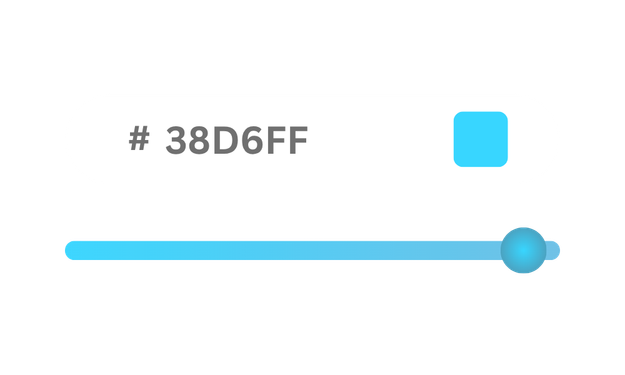
Drop a PANTONE or HEX code
Type any 6-digit hex code. Adjust color exaggeration. It becomes the exact center of your spectrum — hue locked, precision preserved.

Watch it bloom
Swatchitup builds a 7×7 grid around it: saturation rises left to right, brightness falls top to bottom — 49 shades from one color.
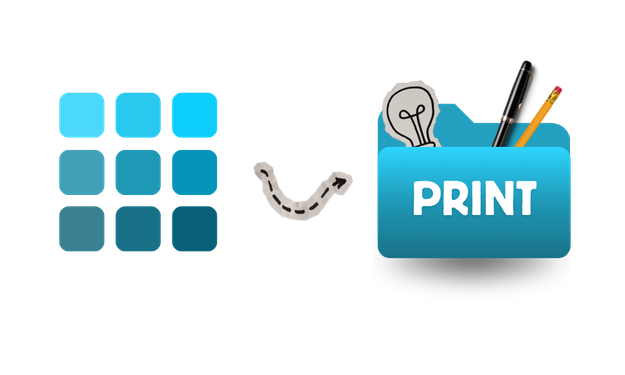
Export for print
Download the whole grid as a 300 DPI PNG, sized 10.5 x 10.5 inches with the hex code labeled on every swatch.
Example spectrums
A few starting colors and the grids Swatchitup builds from them.
Coral punch
#FF5C8A
Electric violet
#7A5BFF
Forest green
#40843F
Why create Swatches?
Turn color guesswork into a repeatable workflow.
Match screen to fabric
Compare a digital swatch against garment, ink, and substrate so the final print matches the mock-up.
Share with clients
Send a clean 7×7 spectrum as proof before production so everyone approves the same color range.
Reduce waste
Avoid reprints by dialing in saturation and brightness steps before the first shirt hits the press.
Lock brand colors
Store exact hex values and keep every future run consistent across DTG, DTF, and banner jobs.